Need workers? Got skills?
Giggre brings you together.

Post a gig to get help fast or pick up gigs to make extra money. One platform, two solutions.

Your waitress called-in sick?
No need to shut your diner.
Get a replacement giggre here!

Post any taskβ€”from house cleaning to handyman servicesβ€”and get offers from trusted local giggres.

Babysitter a no-show?
Your night out isn't overβ€”
find help fast with Giggre

Work when you want, where you want. Giggre brings gigs straight to you.

About the App

What is Giggre?

Giggre connects gig workers and gig hosts in one platform. Users can discover opportunities, hire talent, and manage gigs efficiently.

πŸ‘·

For Gig Workers

Browse and apply to nearby gigs that match your skills. Work flexible hours and earn on your own schedule.

🏒

For Gig Hosts

Post a gig and get matched with skilled workers fast. Whether it's a one-time task or an ongoing need β€” Giggre has you covered.

App Features

Everything in One App

Three ways to connect β€” from instant tasks to skilled placements to targeted hiring. Giggre covers every kind of gig.

⚑

Quick Gig

Toggle availability and auto-accept instant tasks nearby. No applications β€” just show up and work.

πŸ“‹

Open Gig

Browse skill-based listings and apply. Hosts review candidates and pick the best fit for the job.

🎯

Offered Gig

Send or receive direct gig offers to workers or hosts you already know and trust.

πŸ‘·

Gig Worker

Find & Take Gigs

  • Quick, Open, and Offered gig types
  • Toggle availability for instant auto-accept tasks
  • Browse listings and receive direct offers

Working Experience

  • Multi-step workflow: Navigate β†’ Arrive β†’ Work β†’ Pay β†’ Done
  • Real-time GPS navigation and route display
  • Geofence arrival confirmation & live work timer

Earnings & Payments

  • Earnings dashboard β€” total, weekly, gig count
  • Gig history with filters by type and date
  • Smooth payment confirmation flow

Profile & Credibility

  • Photo, bio, and skills management
  • Document verification (ID, certificates, resume)
  • Host ratings and verification badge system

Community & Growth

  • 24-level Referral Program with milestones
  • Decline count and suspension tracking
  • In-app messaging and support chat
🏒

Gig Host

Post Gigs

  • Quick, Open, and Offered gig types
  • Auto-match workers for simple no-skills tasks
  • Set experience requirements for skilled roles

Manage Gigs

  • Gig Templates β€” save and reuse frequent setups
  • History with status filters (active, in-progress, completed)
  • Real-time gig statistics dashboard

Find Workers

  • Interactive worker map with clustering
  • Filter by availability and skill level
  • Favorites list and direct offer from map profile

Payments & Ratings

  • Payment history and receipt management
  • Rate workers after gig completion
  • Spending analytics per gig

Profile & Communication

  • Business profile with company info and badge
  • Document upload (permit, tax docs, valid ID)
  • Chat, real-time notifications, voice & video calls

Available to Everyone

πŸ’¬ Messaging & Voice/Video Calls πŸŒ™ Light / Dark Theme 🎁 24-Level Referral Program ❓ Help & FAQ πŸ”’ Privacy & Terms

See It in Action

Built for the Way You Work

A clean, intuitive experience β€” from first login to final payment.

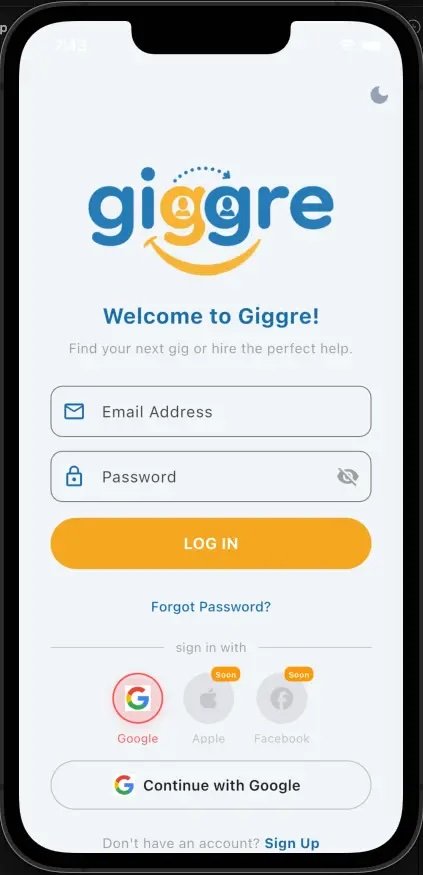
Giggre login screen

Sign In

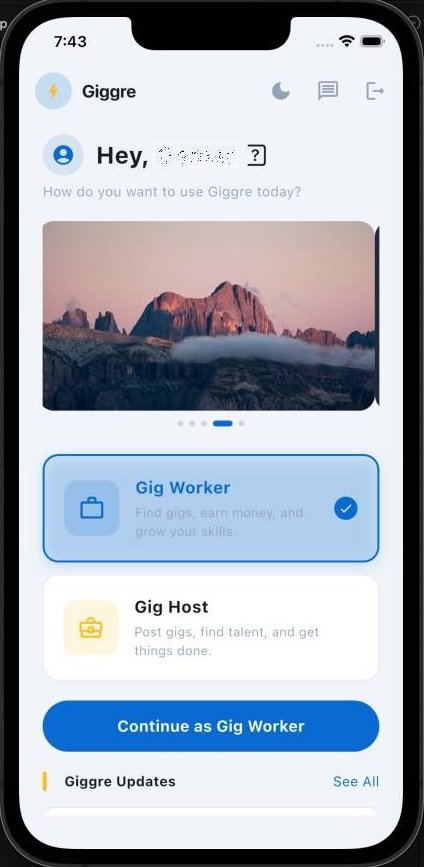
Giggre home dashboard

Dashboard

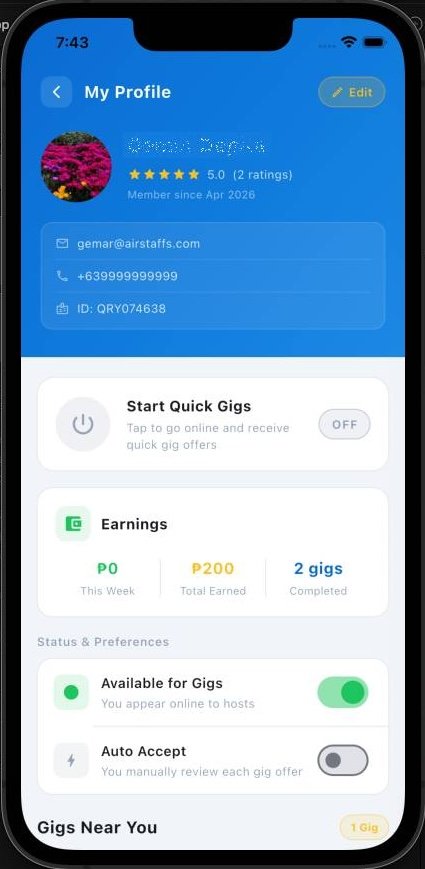
Gig worker view

Worker View

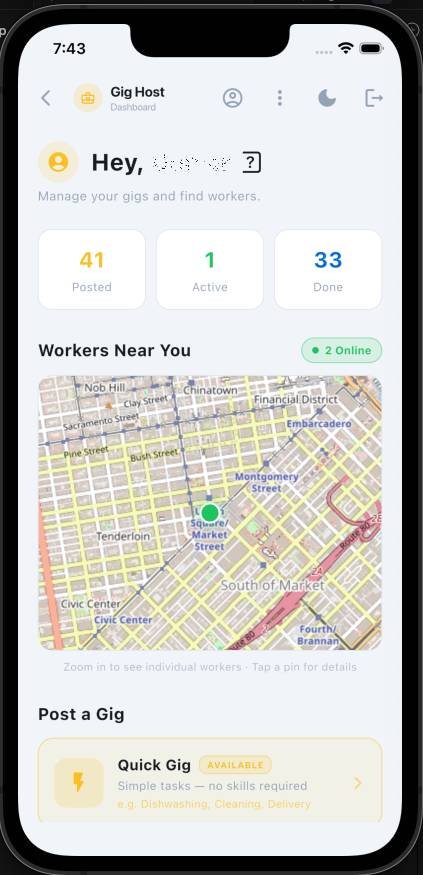
Gig host view

Host View

Get the App

Download Giggre
and Start Today

Find gigs or hire workers in minutes. Available now on Android β€” iOS coming soon.

Coming Soon Google Play Soon
Coming Soon App Store Soon

How It Works

Start in Minutes

Whether you're looking for work or need help fast β€” getting started on Giggre is simple.

1

Sign Up & Build Your Profile

Create your account, add your skills, and upload your verification documents (ID, certificates, resume).

2

Set Your Availability

Toggle yourself online and choose how you want to find work β€” browse Open Gigs, wait for Quick Gig matches, or receive direct Offered Gigs from Hosts.

3

Accept a Gig

Get matched or apply to a gig. Review the details β€” location, pay, and skills needed β€” then confirm.

4

Show Up & Get It Done

Navigate to the location with in-app GPS. Confirm arrival via geofence, track your work time, and complete the task.

5

Get Paid

Confirm payment in-app once the gig is done. Track your total earnings on your dashboard.

1

Sign Up & Verify Your Account

Create your account, complete your business profile, and upload your documents for verification.

2

Post a Gig

Choose your gig type:

  • Quick Gig β€” simple task, auto-matched worker
  • Open Gig β€” skilled task, workers apply
  • Offered Gig β€” hand-pick a specific worker
3

Get Matched or Review Applicants

Quick Gigs auto-match nearby workers. Open Gigs let you review applicants. Offered Gigs go directly to your chosen worker.

4

Track Progress

Monitor the gig in real-time β€” from worker en route, arrived, and working, to task complete.

5

Pay & Rate

Confirm payment through the app and leave a rating for the worker once the gig is complete.